

Asset Libraries
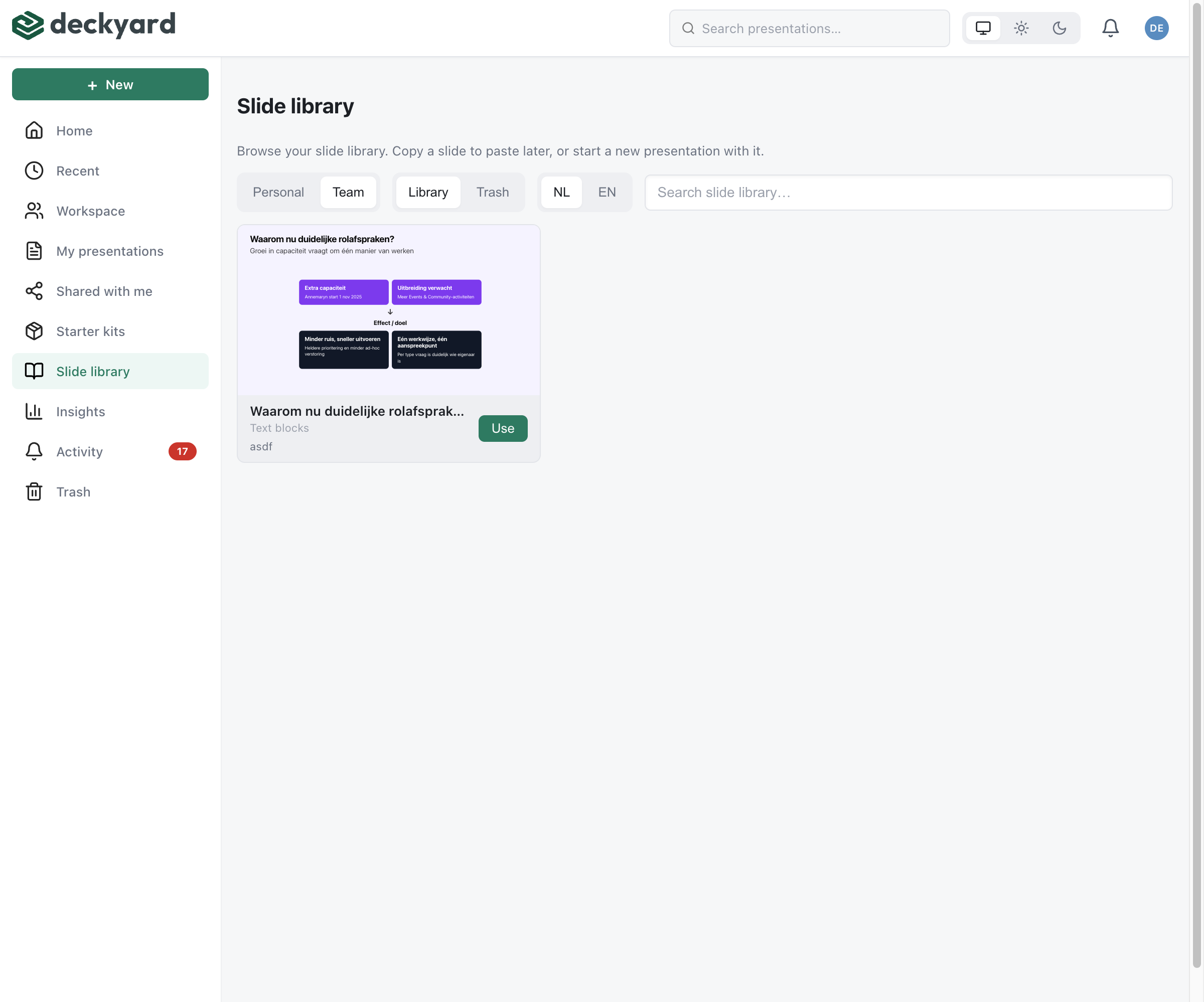
Save slides and images once and reuse them across presentations. Libraries keep recurring content consistent and save you from rebuilding it.
Available Libraries
Section titled “Available Libraries”| Library | What it holds | Who sees it |
|---|---|---|
| Slide Library | Complete slides, plus collections of slides in a fixed order | Personal shelf: only you. Team shelf: your whole organization |
| Image Library | Uploaded images and picks from Unsplash and Giphy | Your whole organization |
Getting Started
Section titled “Getting Started”Building your slide library
Section titled “Building your slide library”- Open a finished slide in the editor.
- Choose Save to slide library… from the ⋯ menu in the slide editor header.
- Give it a name, and optionally a description and tags.
- Choose Personal or Team and click Save to library.
- Insert it later from + Slide → Slide library, or open Library in the dashboard.
Building your image library
Section titled “Building your image library”- Click Choose / upload… on any image field.
- Drop or upload an image, add a description, tags and alt text.
- Click Save to library. The image is now available to everyone in your organization.
- Find it again through the sidebar sections (Recent, Your Media, Favorites) or the search box.
Best Practices
Section titled “Best Practices”Slide library
Section titled “Slide library”- Save finished slides - a library full of drafts is hard to search.
- Use descriptive names - “Q4 sales summary” is findable, “Slide 1” is not.
- Tag consistently - tags become filters, so agree on a small set.
- Use Team for shared material - brand and standard slides belong on the Team shelf, drafts on Personal.
- Group recurring sequences - a collection saves picking the same slides every time.
Image library
Section titled “Image library”- Describe and tag on upload - search looks at descriptions, tags, photographer and alt text.
- Add alt text - Deckyard asks for it when an image without alt text is used, so filling it in once saves the question later.
- Check usage before replacing - Where is this used? shows which presentations change.
- Respect copyrights - only upload images you have the rights to use.