

Collaboration
Share a presentation with your team, discuss individual slides, and review earlier versions when you need to recover work.
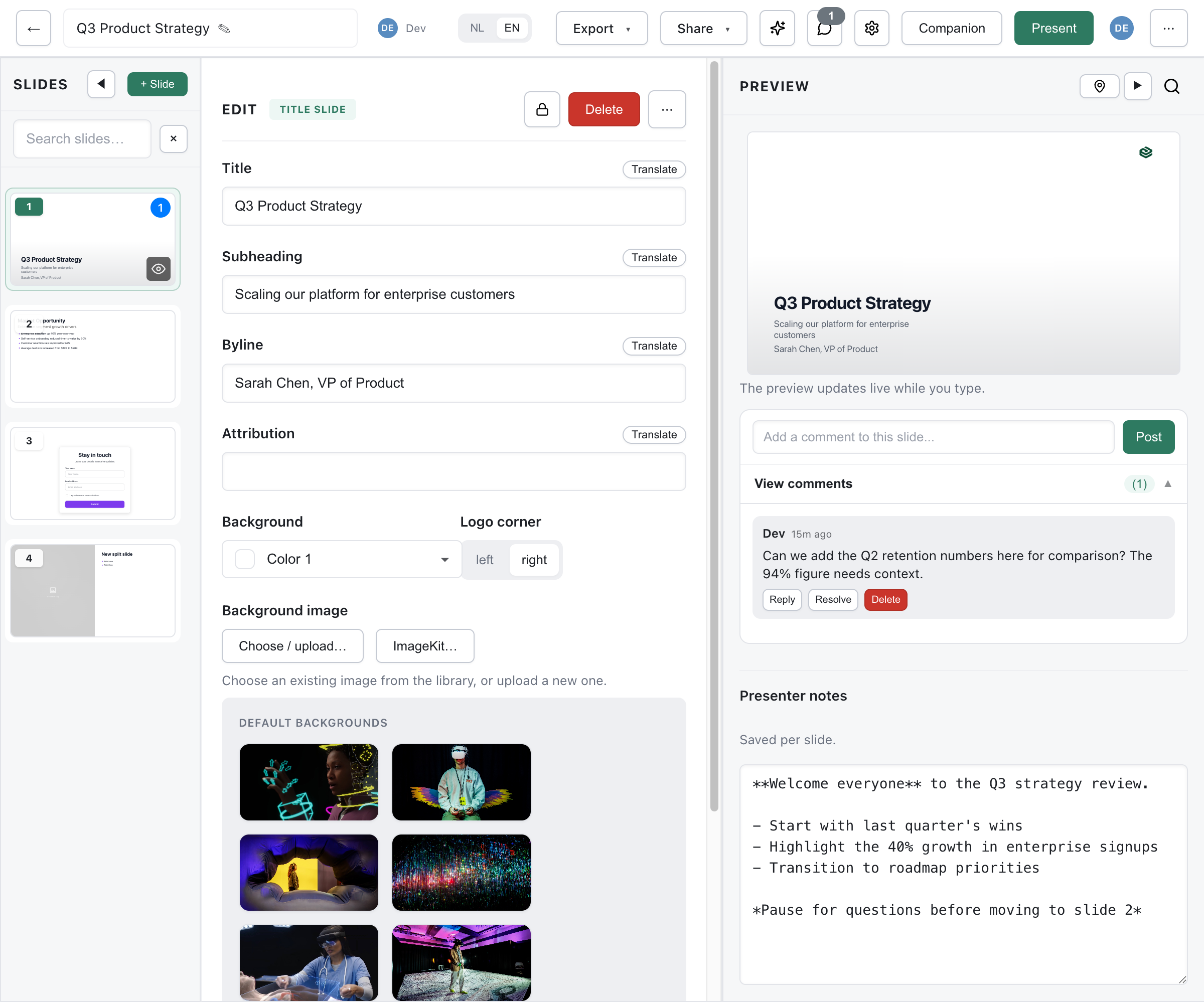
- Sharing & Permissions explains who can open, comment on, or edit a presentation.
- Comments covers slide discussions, mentions, and AI suggestions.
- Real-time Editing explains simultaneous editing when collaboration is enabled.
- Activity & Notifications covers the library activity feed and comment alerts.
- Version History covers snapshots, save points, comparison, and restore.
Start by sharing a presentation with a teammate, then use comments to discuss its slides. Use version history when you need to inspect or restore an earlier state.