

From PowerPoint
Import existing PowerPoint (.pptx) presentations into Deckyard.
How It Works
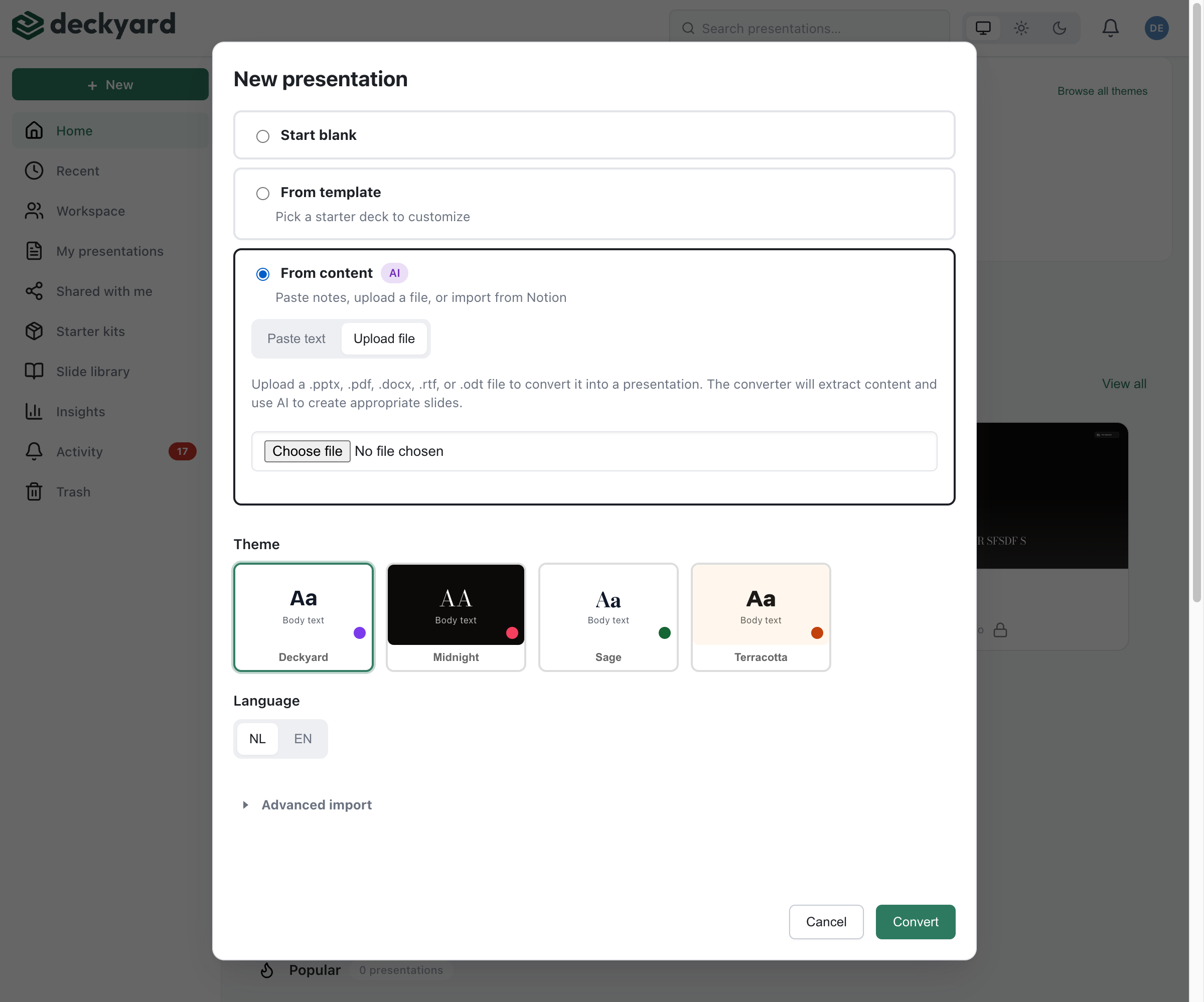
Section titled “How It Works”- Click + New in the sidebar and choose Import an existing deck
- On the PowerPoint or PDF tab, choose how to take the deck over:
- As editable slides - each page becomes a slide with the same text and its own images; a page that fits no slide type, such as a chart, becomes an image of itself
- As images - each page becomes an image slide that looks exactly like the original, but its text cannot be edited
- Drop the PDF and the PowerPoint file in the drop zone, or click to choose them. The PDF gives the slides, the .pptx the speaker notes; editable slides are read from the PDF, so export one from PowerPoint or Keynote
- Choose the language and, optionally, a theme
- Click Import slides
What Gets Converted
Section titled “What Gets Converted”- Text content - Titles, body text, and bullet points
- Basic layouts - Mapped to equivalent Deckyard slide types
- Images - Imported and placed on slides
- Speaker notes - Preserved per slide
Theme Application
Section titled “Theme Application”During import, choose a Deckyard theme. The theme’s styles (colors, fonts, layouts) replace the original PowerPoint formatting, ensuring consistency with your brand.
Limitations
Section titled “Limitations”Some PowerPoint features don’t have direct equivalents:
- Complex animations are simplified
- Custom shapes may not convert perfectly
- Embedded videos need to be re-added
- SmartArt is converted to basic layouts
Want the AI to write a new presentation from the content of a deck instead of taking its slides over? Use the Upload file tab under Generate from content.
After Import
Section titled “After Import”- Review each slide for conversion accuracy
- Adjust layouts where needed
- Re-add any media that didn’t convert
- Generate a translation if needed