

From JSON
Restore presentations from Deckyard’s portable JSON export format.
When to Use
Section titled “When to Use”- Restoring backups - Recover presentations from JSON exports
- Migrating between instances - Move presentations between Deckyard installations
- Version control - Restore from a JSON file stored in git
How to Import
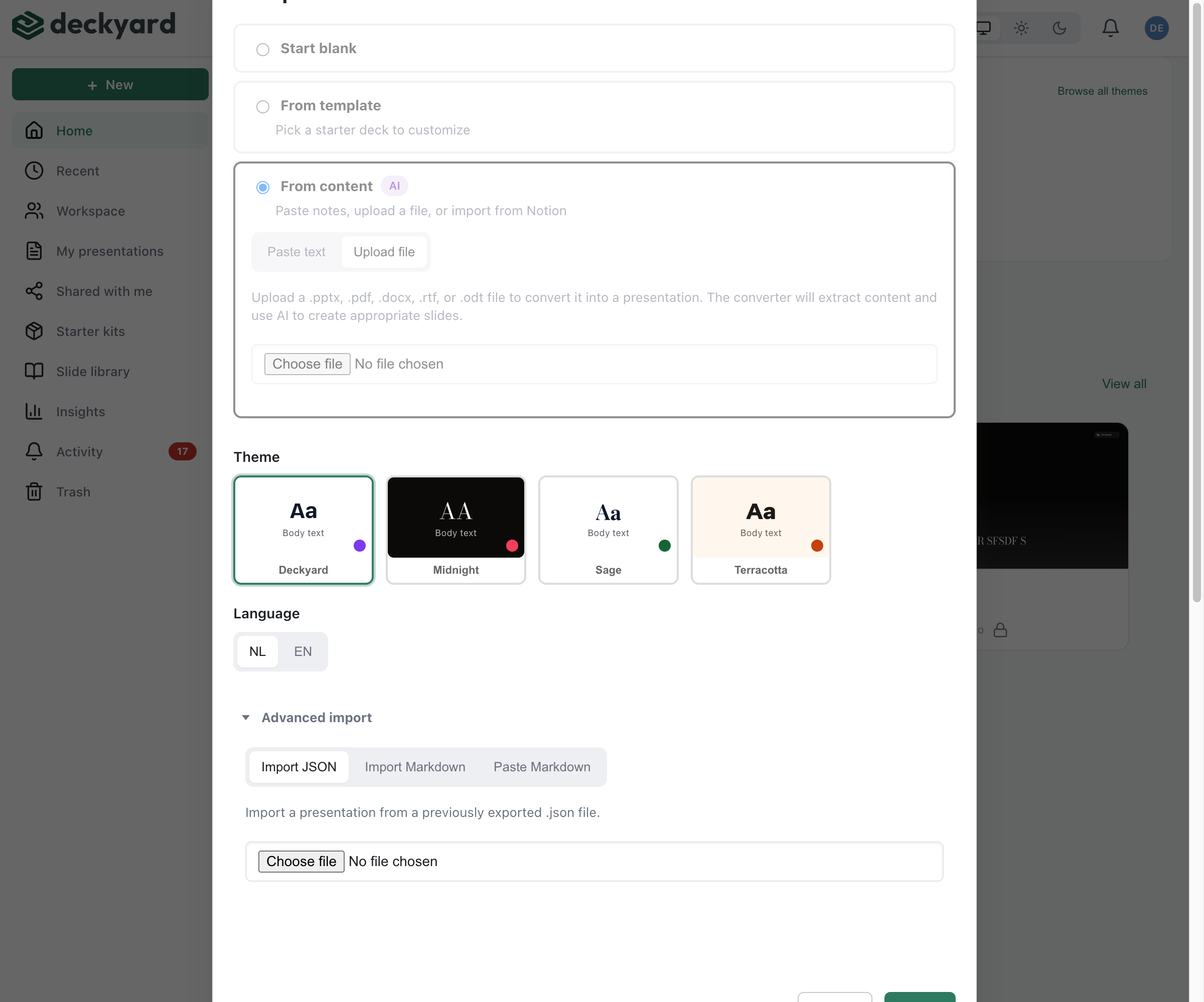
Section titled “How to Import”- From the presentation list, click New presentation and choose Import an existing deck
- The method opens on PowerPoint or PDF, which most existing decks are; switch to Import JSON
- Upload your
.jsonfile - Click Import JSON
A new presentation is created with all content from the JSON file. A .deck
package goes through the Import .deck tab instead, and can install the theme
and slide types it carries; see deck package.
The format
Section titled “The format”The file is a deck envelope: a title, a theme, the slide-type identity manifest and an ordered array of slides. It carries no server ids or timestamps, so it imports cleanly into any instance.
Field-by-field, that is the deck format reference. If your deck has images you want to travel with it, export a deck package instead - the JSON on its own still points at images on the instance it came from.