

Creating Presentations
Deckyard offers multiple ways to create new presentations, from starting fresh to importing existing content. They all start from the same New presentation dialog: click + New at the top of the sidebar and pick a method on the left.
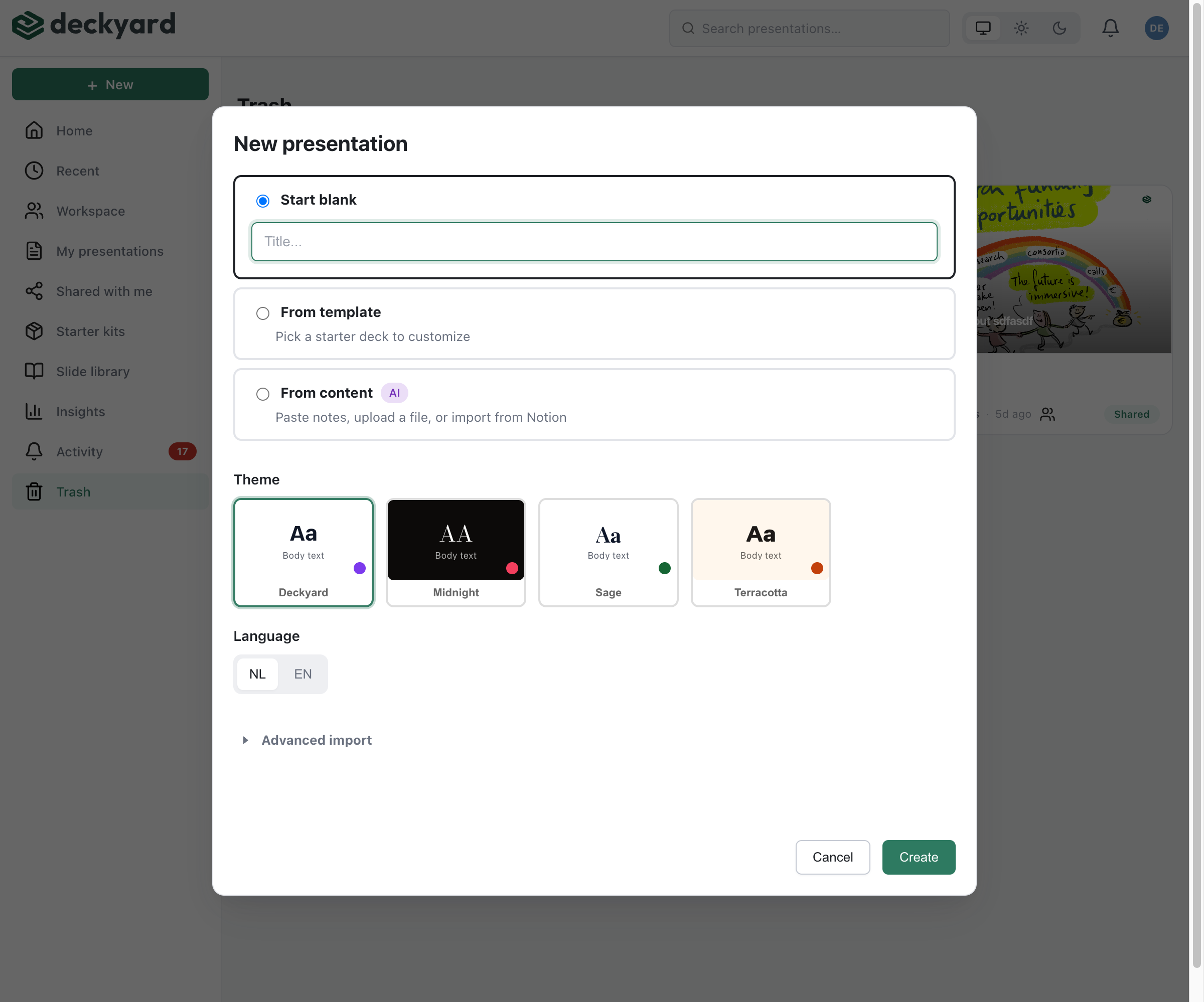
Methods
Section titled “Methods”- New Presentation - Start from scratch with a theme
- From Text - Paste text and let AI generate slides
- From Notion - Import a Notion page
- From PowerPoint - Convert a PPTX file
- From Markdown - Import a markdown slide deck (no AI)
- From JSON - Import Deckyard’s portable format
- Duplicating - Copy an existing presentation
Quick Comparison
Section titled “Quick Comparison”| Method | Best For |
|---|---|
| New Presentation | Starting fresh with full control |
| From Text | Quickly turning documents into slides |
| From Notion | Teams already using Notion for content |
| From PowerPoint | Migrating existing presentations |
| From Markdown | Developers and version-controlled decks |
| Duplicating | Creating variations or templates |