

Duplicating Presentations
Create copies of presentations to use as templates or starting points.
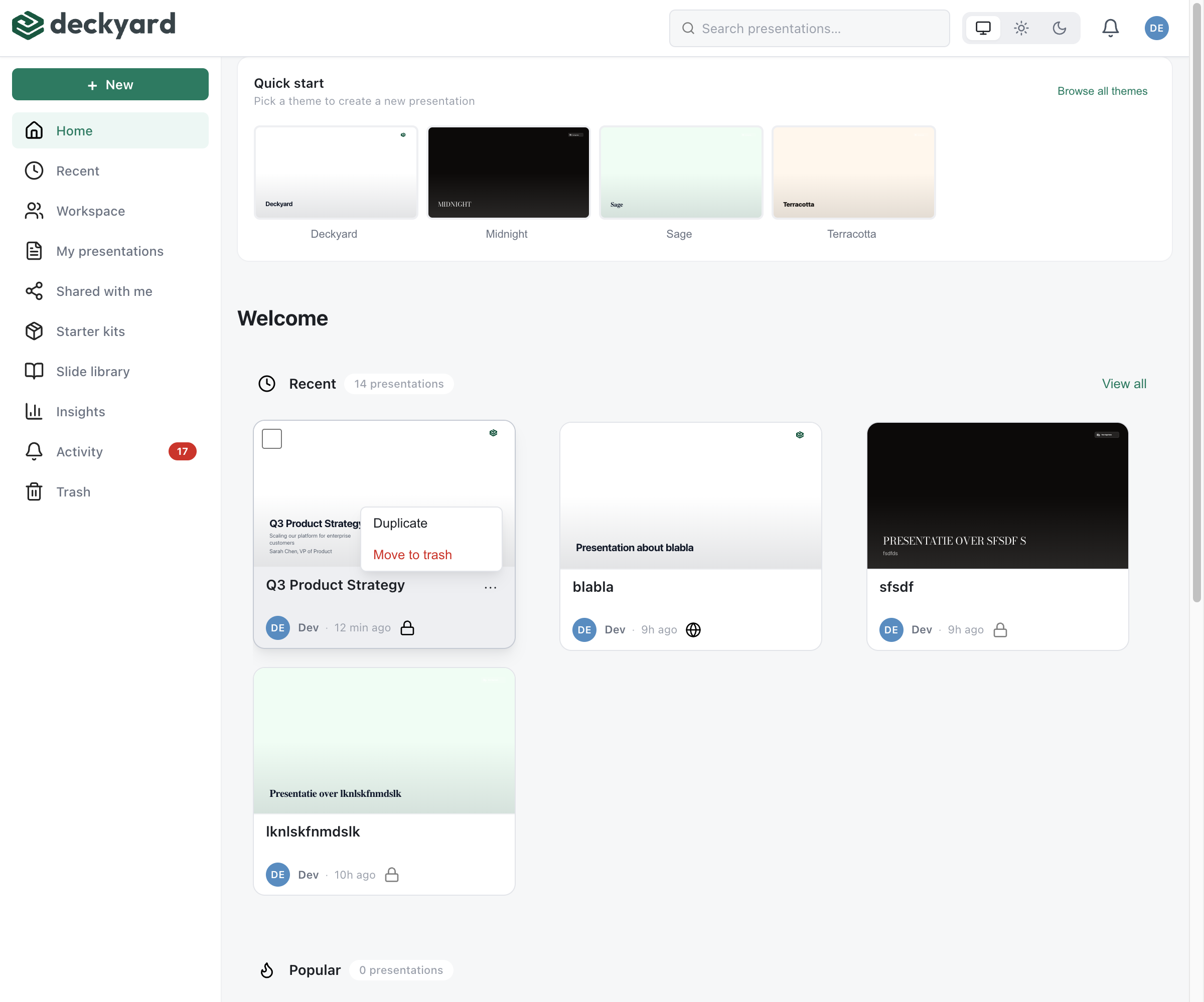
How to Duplicate
Section titled “How to Duplicate”- From the presentation list, find the presentation you want to copy
- Open the presentation menu (three dots)
- Select Duplicate
- A copy is created with “(Copy)” appended to the title
What Gets Copied
Section titled “What Gets Copied”- All slides and content
- Both language versions
- Speaker notes
- Theme settings
What Doesn’t Get Copied
Section titled “What Doesn’t Get Copied”- Poll/interaction results
- Publishing settings
- Sharing permissions
Use Cases
Section titled “Use Cases”- Creating templates - Build a starter deck and duplicate for each new presentation
- Making variations - Create A/B versions of a presentation
- Preserving snapshots - Copy before making major changes
- Team templates - Share a template others can duplicate
- Rename the duplicate immediately to avoid confusion
- If creating a template, add placeholder text like “[Your title here]”
- Consider using the Slide Library for reusable individual slides