

Description Generation
Let AI write the two-sentence description that a published deck needs.
Overview
Section titled “Overview”A published deck carries a short description. It becomes the public meta description, it travels with the deck into integrations and feeds, and it is what a link preview shows. Deckyard can draft it from the deck’s own content.
The shape is fixed: exactly two sentences, short. This is not a summary field and not a place for keywords.
Where It Appears
Section titled “Where It Appears”Description generation is a gate, not a menu item. Deckyard asks for a description at the two moments it is about to become public, and only when the deck does not have one yet:
- Publishing a deck for the first time. The dialog is titled Add a description before publishing. Cancelling it cancels the publish.
- Sharing a deck with your organization. The same dialog, titled Add a description before sharing. Cancelling it leaves the visibility unchanged.
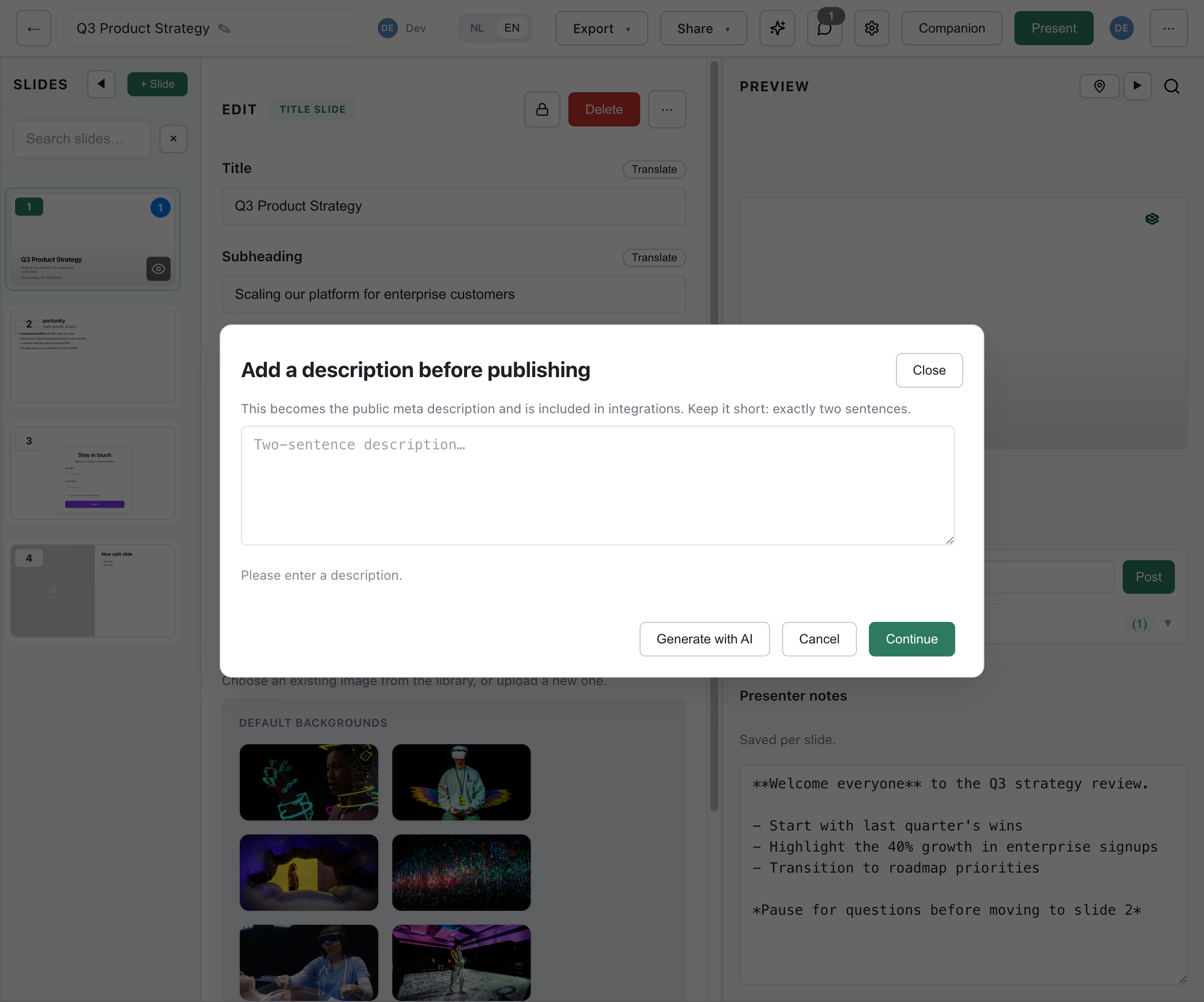
Click Generate with AI, and the draft appears in the field for you to edit. Then Continue to carry on with publishing or sharing.
Re-publishing a deck that is already published does not ask again: the gate only fires on the first publish. A deck that already has a description is never stopped.
Editing It Later
Section titled “Editing It Later”Afterwards the description lives in the General section of deck settings (⋯ menu > Settings), as a plain textarea with a character counter:
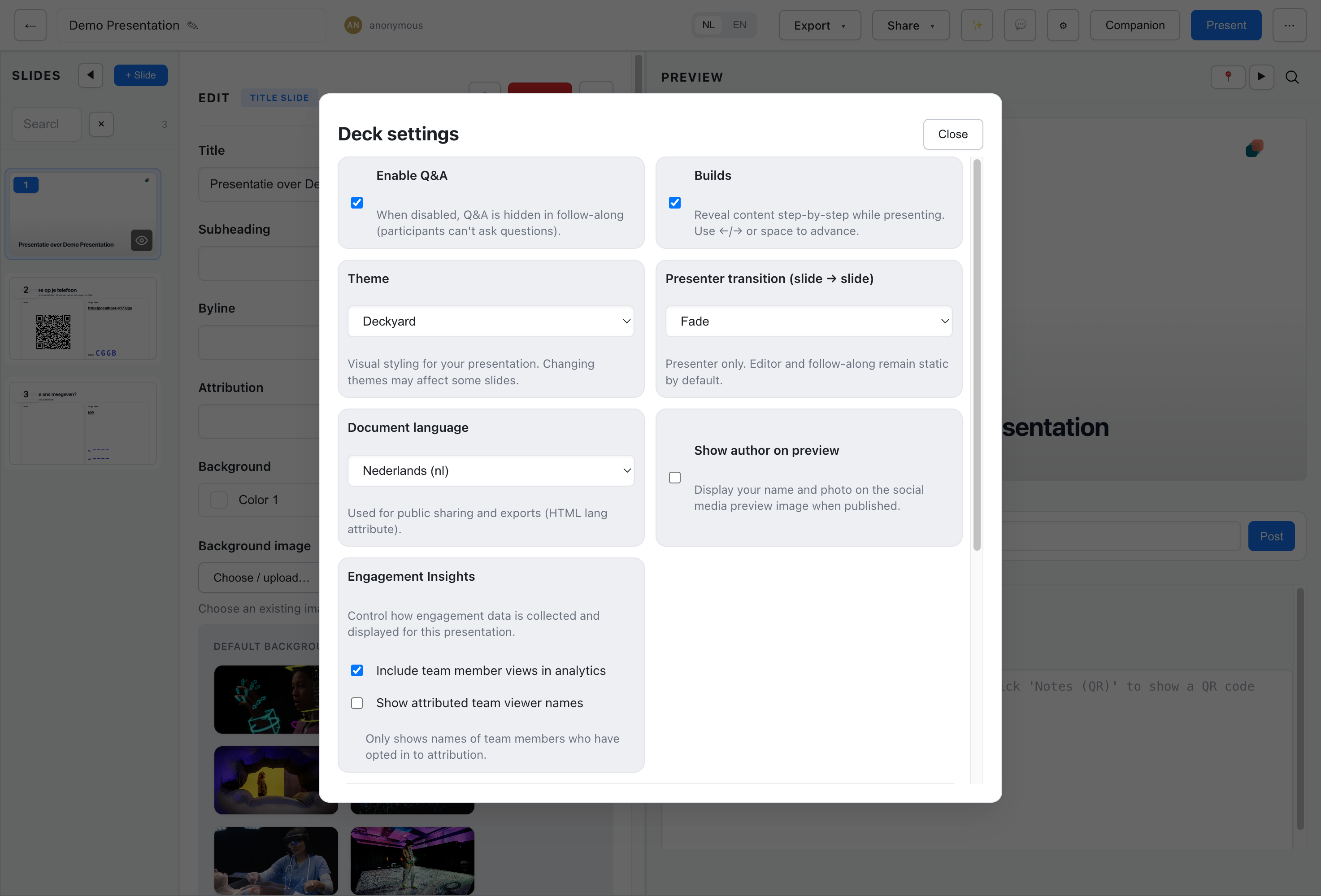
There is no generate button there. To have AI draft a new one, clear the field and use a sharing flow that asks for a missing description, or call the API below. Republishing an already published deck does not reopen the dialog. You can also write the description yourself. The field accepts up to 600 characters.
What the AI Is Given
Section titled “What the AI Is Given”The deck’s own text, sampled rather than sent whole:
- Up to eight slides: all of them
- More than eight: the first four and the last four
The opening and the close are what a description has to capture, so the middle is dropped rather than summarised. Image alt text is excluded from the prompt.
The instruction the model gets is narrow: exactly two sentences, ideally under 260 characters, and no invented facts. If the deck does not say it, the description should not either.
Language
Section titled “Language”The description is written in the deck’s language. You do not choose it.
Be aware of a limitation here: the prompt distinguishes only two languages. A deck in British English gets an English description; a deck in any other language gets a Dutch one. So a German or French deck will come back with a Dutch description, which you will want to rewrite by hand.
There is no “translate description” action. A multi-language deck carries one description, in one language.
Checking the Draft
Section titled “Checking the Draft”The dialog tells you as you type whether the text fits:
- Empty - Please enter a description. You cannot continue.
- Over 600 characters - Too long. Please shorten. You cannot continue.
- Not two sentences - Aim for exactly two sentences. Advisory; you can continue anyway.
- Otherwise - Looks good.
Read the draft before accepting it. Two things to check: that it says what the deck is actually about, and that it has not smoothed a specific claim into a generic one.
Best Practices
Section titled “Best Practices”- Keep it under about 260 characters; link previews and search results cut off well before 600
- Put the subject in the first sentence
- Describe the deck, not the occasion
- Accurate beats enticing: this text is what people decide on before opening it
Generate a description for a deck:
POST /api/presentations/{id}/description/generateContent-Type: application/json
{ "vendor": "claude" }
vendor is the only accepted field and is optional; leave the body empty ({}) to use the instance default. There are no length, tone, keyword or language parameters: length and language are fixed as described above.
Response
Section titled “Response”{ "ok": true, "description": "Deckyard turns a folder of notes into a deck you can present. This guide walks through the format, the editor and publishing."}The endpoint generates and returns; it does not save. Store the description on the presentation yourself, the way the editor does after you click Continue.
It requires read access to the presentation, and returns 404 when AI is switched off on the instance.